Scams & SafetyEvergreen guide
Safe Browsing Habits for Crypto Users
Safe Browsing Habits for Crypto Users: a practical, no-hype guide for readers from GlobalCryptoWallets.com.
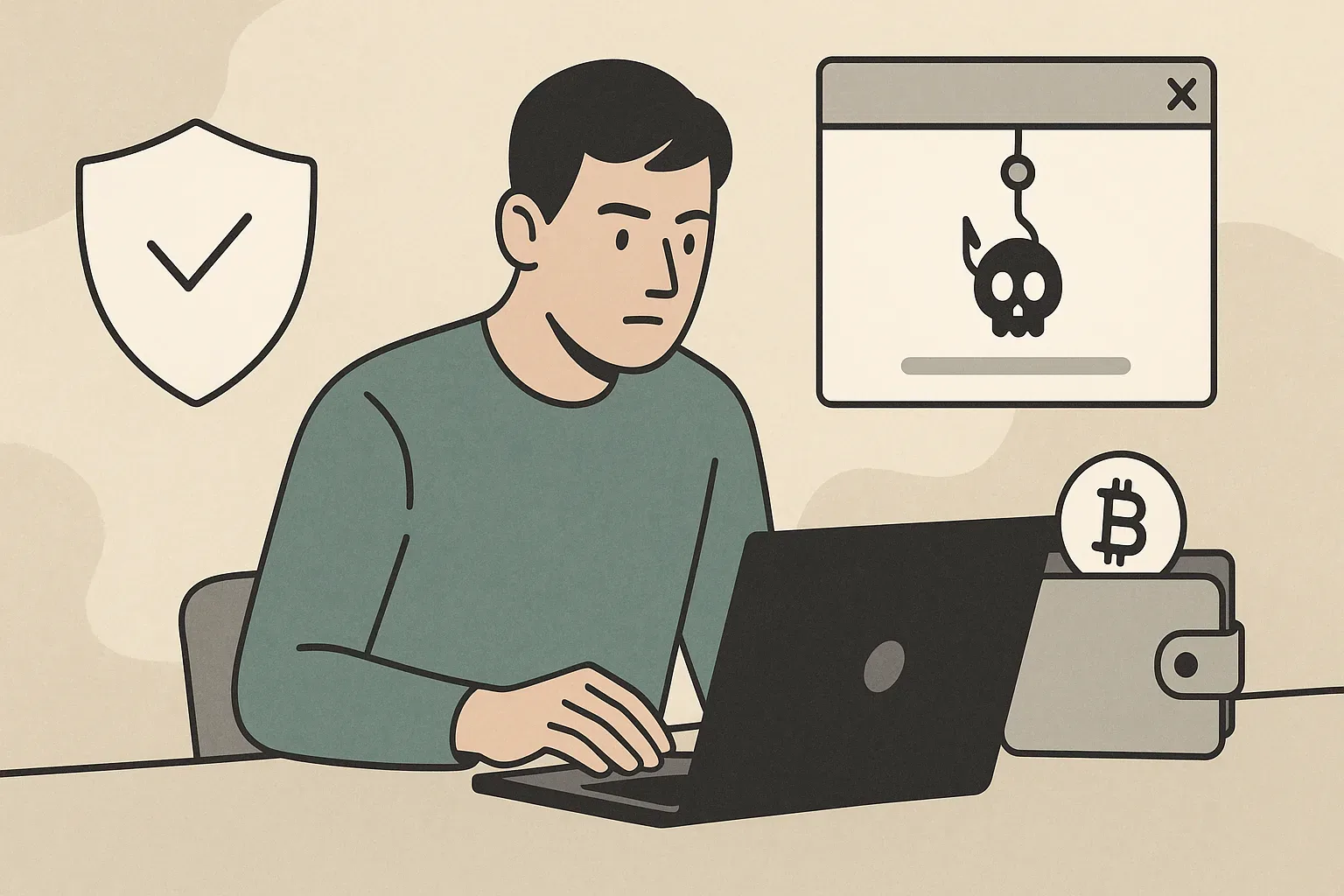
The very nature of decentralized finance means that the onus of security largely rests on the individual user, and a significant portion of this responsibility involves maintaining impeccable safe browsing habits. Unlike traditional banking, where intermediaries offer layers of protection, crypto transactions are often irreversible, and compromised wallets can mean permanent loss of funds.
Introduction: Why Safe Browsing is Non-Negotiable for Crypto Users
The digital landscape, particularly for cryptocurrency users, is fraught with peril. Attackers are constantly devising new and sophisticated methods to exploit vulnerabilities, with unsafe browsing habits being a primary gateway for many crypto scams. These scams often begin with a seemingly innocuous link, a deceptive advertisement, or a compromised website, all of which rely on users letting down their guard during routine online interactions. Common crypto scams exploit unsafe browsing habits by luring users to phishing sites that mimic legitimate platforms, prompting them to enter sensitive information like seed phrases or private keys. Drive-by downloads install malware capable of siphoning funds, while malicious browser extensions can hijack transactions or record keystrokes. Simply visiting the wrong URL, clicking a suspicious pop-up, or downloading an unverified file can lead to devastating financial losses. The decentralized and often pseudonymous nature of crypto means that once funds are stolen, recovery is exceedingly rare.
Securing Your Browser Configuration: Essential Settings and Updates
Several specific browser settings and configurations are critical for protecting your crypto assets. First, always ensure your browser is kept up-to-date. Browser developers constantly release updates that patch newly discovered security vulnerabilities, and running an outdated version leaves you exposed to known exploits. Enable automatic updates if available. Second, disable third-party cookies by default, as these can be used for tracking and targeted phishing. While some legitimate sites may require them, you can enable them on a case-by-case basis. Third, enhance your privacy settings. Block pop-ups, disable browser notifications for all but the most trusted sites, and review site permissions regularly, revoking access for anything unnecessary. Fourth, enable Enhanced Protection or similar features offered by browsers like Google Chrome or Mozilla Firefox, which proactively warn against known phishing and malware sites. Consider using a privacy-focused browser that inherently prioritizes user security and data isolation, such as Brave, which blocks ads and trackers by default. Always double-check security settings after browser updates, as they can sometimes revert to defaults.
Mastering URL Verification: Spotting Phishing and Imposter Sites
To master URL verification, always manually type the full URL of critical crypto platforms or use a trusted bookmark that you created previously. Never click on links from emails, social media posts, or search engine ads, even if they appear legitimate, as these are common distribution channels for phishing links. Once on a site, meticulously inspect the URL in your browser's address bar. Look for subtle misspellings (e.g., "coinbace.com" instead of "coinbase.com"), unusual top-level domains (e.g., ".net" instead of ".com" for a site that typically uses ".com"), or extra subdomains (e.g., "legit.site.malicious.com"). Always check for the HTTPS padlock icon, indicating a secure connection, but understand that even phishing sites can obtain SSL certificates. Beyond the URL, scrutinize the site content for poor grammar, low-resolution logos, or unusual design elements. If a site asks for your seed phrase or private key outside of a wallet restoration process, it is almost certainly a scam. When interacting with DApps, verify the contract address and the interface URL through official documentation or reputable block explorers before confirming any transactions. Trust but verify is the mantra for safe interactions in Web3, especially when preparing to send crypto securely.
Browser Extensions and Crypto: Friends, Foes, and How to Manage Them
Browser extensions can significantly enhance functionality, but they also represent a significant attack surface, particularly for crypto users. Knowing which browser extensions are safe for crypto users and which should be avoided is critical. Crypto wallet extensions (like MetaMask, Phantom, Keplr) are often necessary for interacting with DApps, but they must be downloaded only from official sources – typically the project's direct website, which then redirects to the official browser extension store. Other "friend" extensions might include reputable ad blockers (e.g., uBlock Origin) that prevent malicious ads, or security extensions that warn of known phishing sites. However, many extensions are "foes" – malicious software disguised as useful tools, or legitimate tools that have been compromised or sold to malicious actors. These can log keystrokes, inject malicious scripts into webpages, redirect transactions, or even steal private keys. To manage them, minimize the number of extensions installed, especially on browsers used for crypto activities. Only install extensions that are absolutely necessary and have a strong reputation, backed by a large user base and positive reviews. Regularly audit your installed extensions, removing any you no longer use or that seem suspicious. Be wary of extensions asking for excessive permissions, such as access to all website data. Treat any new or unverified extension with extreme skepticism, as they can directly compromise your digital assets.
Interacting Safely with DApps and Web3: Beyond the Basic Browser
Interacting with Decentralized Applications (DApps) and the broader Web3 ecosystem introduces unique security considerations that extend beyond basic browser hygiene. DApps often require your browser-based wallet to connect and sign transactions, making this interaction a prime target for exploits. Before connecting your wallet, review the DApp's smart contract address through independent sources like Etherscan or the project's official documentation. Never grant unlimited spending approval for tokens unless absolutely necessary and you fully trust the DApp; prefer setting specific spending limits. Be cautious of DApps that ask for excessive or unusual permissions. Before signing any transaction, carefully read the details displayed in your wallet's confirmation prompt. Understand what you are signing – is it a transfer, a contract interaction, or an approval? Malicious DApps might try to trick you into signing transactions that drain your wallet or grant control over your assets. Consider using a dedicated browser profile or even a dedicated browser for your primary crypto activities to isolate potential risks.
Understanding and Avoiding Drive-by Downloads and Malicious Scripts
Drive-by downloads and malicious scripts are stealthy threats that can compromise your system without your explicit action. A drive-by download occurs when malicious software is downloaded onto your device simply by visiting a compromised website, often without any prompts or user interaction. To avoid these, ensure your browser is always updated, as patches often address vulnerabilities that these attacks exploit. Use a robust antivirus or anti-malware software with real-time protection and keep it updated. Consider using a browser with strong built-in security features, such as sandboxing, which isolates web processes to prevent malicious code from affecting your entire system. Reputable ad blockers can prevent malicious advertisements that often contain or link to drive-by downloads and scripts. If a website behaves unusually, showing unexpected pop-ups, redirects, or performance issues, close it immediately. Regularly clear your browser cache and cookies, as these can sometimes harbor persistent tracking mechanisms or remnants of malicious activity. By staying vigilant and using appropriate security tools, you can significantly reduce your exposure to these silent, yet dangerous, threats.
The 'Incognito' Myth: What Private Browsing Does (and Doesn't) Protect
Many cryptocurrency users mistakenly believe that using incognito or private browsing mode offers sufficient protection for their crypto activities. This is a dangerous misconception. While private browsing modes do offer certain privacy benefits, their security implications are often misunderstood. What private browsing mode *does* protect is local browsing history, cookies, site data, and information entered in forms. When you close an incognito window, this data is erased from your device, preventing other users of the same device from seeing your activity. This can be useful for privacy from local onlookers. It does not hide your IP address from websites you visit, your internet service provider, or your employer. It does not protect you from malware, phishing sites, or browser vulnerabilities. If you visit a malicious website in incognito mode, you are just as susceptible to drive-by downloads, malicious scripts, or phishing attempts as you would be in a regular browsing session. It offers no additional shield against compromised browser extensions, nor does it prevent websites from fingerprinting your browser. Therefore, relying on incognito mode for crypto security is a false sense of security. It does not replace the need for strong passwords, two-factor authentication, robust antivirus software, or meticulous URL verification.
What To Do If You Suspect a Browser or Wallet Compromise
Time is of the essence. First, immediately disconnect your device from the internet to prevent further unauthorized activity or data exfiltration. If you suspect a wallet compromise, move any remaining funds from the compromised wallet to a new, secure wallet address as quickly as possible. Do this from a different, known-clean device if available, or at least after a factory reset or secure boot if no other device is available. Change all your critical passwords, especially for crypto exchanges, email accounts, and any accounts linked to your crypto activities, using a different, trusted device. Revoke any token allowances or DApp connections you have granted, particularly those with unlimited spending caps. This can often be done through tools like revoke.cash or etherscan's token approvals section. Run a full, deep scan of your system with reputable antivirus and anti-malware software. Consider reinstalling your operating system if you cannot confidently determine the extent of the compromise. Document everything that happened, including timestamps, suspicious URLs, and any funds lost. This information will be vital if you decide to report the incident to authorities or attempt to trace funds. Regularly checking your crypto wallet balance for unexpected transactions is a good proactive measure. Always be prepared to export your crypto transaction history for forensic analysis or reporting, which can provide critical clues. Proactive vigilance and a swift, decisive response are your best defense against lasting damage.
Conclusion: Building a Proactive Crypto Security Mindset
The ability to distinguish between legitimate platforms and sophisticated phishing attempts, to understand the true scope of browser security features, and to act decisively in the face of a suspected compromise, are skills that will serve you invaluable. By embedding these safe browsing habits into your daily routine, you are not just reacting to threats but actively building a robust, personal security perimeter. Embrace a mindset of continuous learning, regularly review your security practices, and always prioritize caution over convenience.
Topics in this article
- crypto-scams
- wallet-security
- phishing
- browser-security
- web3-safety
- cybersecurity
- digital-hygiene
GlobalCryptoWallets.com publishes news, reviews, and educational information only. Nothing on this website is financial, investment, trading, legal, or tax advice. Cryptocurrency involves substantial risk, and readers should conduct independent research and consult a qualified professional before making decisions.